How to Get a Business License in Bakersfield, California
How to Get a Business License in Bakersfield, California
If you’re starting a business in Bakersfield, you need a Business Tax Certificate from the city. That’s non-negotiable. What might surprise you: it’s cheaper than you expect, and the process is straightforward.
Bakersfield’s gross receipts tax sits at $0.30 per $1,000 on your first million in revenue. A business pulling in $200,000 annually pays roughly $60 in city business tax. A $500,000 business pays around $150. These aren’t typos. For comparison, Oakland charges $1.50 per $1,000 on gross receipts, and Long Beach hits $1.50 as well on certain brackets. Bakersfield is genuinely one of the lightest-taxed cities in California for this purpose.
This guide walks you through the full chain: what you need from the state, what Bakersfield requires separately, and how to get licensed to operate.
What Bakersfield Requires vs. What California Requires
Here’s the critical distinction that trips up new business owners: California has no statewide business license. None. Zero.
What California does require is an entity filing with the Secretary of State. Whether you form an LLC or a corporation, you file with SOS and pay a one-time fee. Then you deal with the $800 franchise tax every year—that goes to Sacramento, not to Bakersfield. That’s separate from everything else.
Bakersfield then issues its own Business Tax Certificate, which is your local authority to operate within city limits. Think of it this way: the Secretary of State creates your legal entity. The IRS gives you a tax ID. Bakersfield says you’re allowed to do business here. All three are required, and they’re all different things.
If you’re selling tangible goods—physical products, inventory, merchandise—you also register with the California Department of Tax and Fee Administration for a Seller’s Permit. Free. It’s how California tracks sales tax. But that’s state-level, not Bakersfield-specific.
So your checklist before you can legally operate in Bakersfield:
- California Secretary of State filing (LLC or corporation)
- IRS EIN (employer identification number)
- CDTFA Seller’s Permit (if you sell goods)
- Bakersfield Business Tax Certificate
Miss any one of these, and you’re not actually licensed to operate. You might get away with it for a while. You won’t forever.
The Prerequisite Chain
You can’t apply for a Bakersfield Business Tax Certificate in a vacuum. The city needs proof you exist as a legal entity. So there’s an order here.
Step 1: File your entity with California Secretary of State
Go to bizfileOnline.sos.ca.gov. You’re filing either Articles of Organization (LLC) for $70 or Articles of Incorporation (corporation) for $100. This happens online and takes 15 minutes if you’re organized. If you form an LLC, you’ll also receive a Statement of Information form (Form LLC-12) due within 90 days. That’s $20.
When you submit, you get a confirmation number. Print it. Save it. You’ll need it for the Bakersfield application.
Step 2: Get an EIN from the IRS
Go to irs.gov/ein. It’s free. You can apply online in about 10 minutes and get your EIN immediately (same-day). If you apply by mail or phone, it takes a few weeks, but online is instant. This is your federal tax ID. The IRS will also mail you a formal EIN letter within a couple of weeks. Save both the online confirmation and the mailed letter—Bakersfield wants to see it.
Step 3: Register for a CDTFA Seller’s Permit (if applicable)
Only do this if you’re selling tangible goods. Services don’t require it. Go to cdtfa.ca.gov and register online. It’s free. You’ll get a permit number immediately, and it activates you for California sales tax collection. Print the confirmation. This takes 10 minutes.
Step 4: Apply for the Bakersfield Business Tax Certificate
Now you have all three pieces. You’re ready for Bakersfield.
Applying In Person
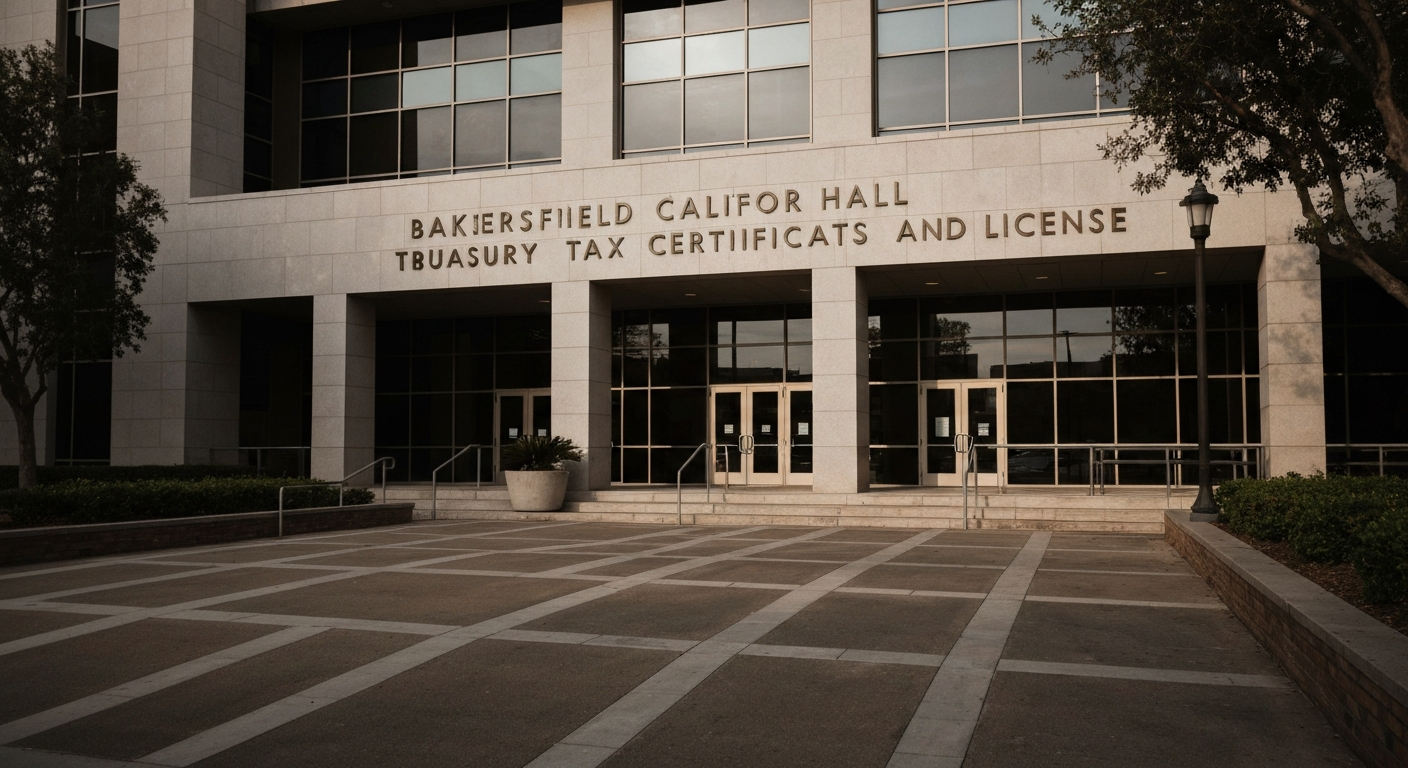
The Treasury Division is your one-stop shop for business tax certificates in Bakersfield.
Location: 1600 Truxtun Ave, Bakersfield, CA 93301 (City Hall North)
Phone: (661) 326-3762 or (661) 326-3763
Walk in. Ask for a business tax certificate application. They’ll hand you the form. Or call ahead and ask if they can mail it to you—some cities do, some don’t. Bakersfield staff will answer that directly.
Fill out the application. You’ll need:
- Your SOS filing confirmation number
- Your EIN letter from the IRS
- Your CDTFA Seller’s Permit number (if applicable)
- A description of what your business does
- Your gross receipts estimate for the coming year (this is how they calculate your tax)
Submit it at the counter with payment. They’ll tell you the exact amount based on your estimated gross receipts and business type. You walk out with a certificate that same day or within a few business days.
The Treasury Division staff are accustomed to this. They’re not hostile. Call with questions if you have them.
Applying Online
If you prefer not to walk into City Hall, Bakersfield accepts applications through the Click2Gov Business Licenses portal, accessible through bakersfieldcity.us.
The portal handles new applications and renewals. You can pay online as well. It’s not cutting-edge UX—municipal portals rarely are—but it works. Upload your documents (SOS confirmation, EIN letter, Seller’s Permit), fill in the business information, submit your estimated gross receipts, and pay. The process is identical; the medium is just digital.
Response time is typically a few business days. You’ll receive your certificate electronically and/or by mail.
Fee Structure: Gross Receipts Tax
This is where Bakersfield’s reputation matters. The rates are genuinely low.
Tier 1: $0.30 per $1,000 of gross receipts from $1 to $1,000,000
Tier 2: $0.15 per $1,000 of gross receipts from $1,000,001 to $10,000,000
Tier 3: $0.05 per $1,000 of gross receipts above $10,000,000
On top of that, there’s a $4.00 state-mandated ADA fee (per AB 1379). That’s non-negotiable—every California city charges it.
Let’s do real math:
- $200,000/year business: ($200,000 ÷ 1,000) × $0.30 = $60, plus $4 ADA fee = $64 total
- $500,000/year business: ($500,000 ÷ 1,000) × $0.30 = $150, plus $4 ADA fee = $154 total
- $1,000,000/year business: ($1,000,000 ÷ 1,000) × $0.30 = $300, plus $4 ADA fee = $304 total
- $2,000,000/year business: ($1,000,000 ÷ 1,000) × $0.30 = $300 (Tier 1), plus ($1,000,000 ÷ 1,000) × $0.15 = $150 (Tier 2), plus $4 ADA fee = $454 total
Compare that to Oakland: $1.50 per $1,000 on the first $750,000. A $500,000 business in Oakland pays ($500,000 ÷ 1,000) × $1.50 = $750. In Bakersfield, it’s $154. That’s five times cheaper.
Long Beach charges $1.50 per $1,000 on the first bracket as well. Same deal.
Home Occupation Permit: $101.00 one-time fee
If you’re running a home-based business—freelancing, consulting, a small online shop, anything operating out of your residence—Bakersfield requires a Home Occupation Permit on top of your Business Tax Certificate. This is a one-time fee, not annual. Pay it once, and it covers you as long as you’re in that house. Move to a different residence, you might need a new one. But you’re not renewing it every year like the business tax certificate itself.
This is worth noting because many cities charge annual home occupation fees. Bakersfield doesn’t. It’s a fixed $101, and you’re done.
Industry-Specific Requirements
Your Business Tax Certificate gets you in the door. Depending on what you do, there are additional permits you need from other agencies.
Food businesses: If you’re operating a restaurant, catering company, food truck, or any food preparation business, the Kern County Environmental Health Division issues your health permit. They inspect your facility and verify food safety compliance. This is separate from your business tax certificate but required before you can legally serve food. Contact Kern County Environmental Health at (661) 862-2050 or visit their office in Bakersfield.
Oil and energy businesses: Bakersfield sits in oil country. If you’re doing anything with oil, gas, or energy extraction, you need permits from CalGEM (California Geologic Energy Management Division), the EPA, and Kern County. These are not quick processes. Budget months and significant regulatory engagement. This isn’t a business tax certificate situation—this is industry-specific heavy lifting.
Agriculture: Certain agricultural operations require a permit from the Kern County Agricultural Commissioner. If you’re growing, raising, or processing agricultural products, contact them at (661) 868-6000.
Contractors: Any construction work requires a California Contractors State License Board (CSLB) license. This is separate from your business tax certificate. You can’t legally bid on or perform construction work without it. The CSLB license requires an exam, bonding, and proof of insurance. It’s its own process. Go to cslb.ca.gov.
Home-based businesses: Beyond the $101 Home Occupation Permit, you need to comply with residential zoning restrictions. Bakersfield’s zoning code prohibits certain types of commercial activity in residential zones. You can’t run a manufacturing facility out of your garage. A consulting business or freelance work? Fine. Check with the city’s Planning Department if you’re unsure. (661) 326-3866 is the planning line.
Alcohol: If you’re selling alcohol—beer, wine, spirits—you need a state license from the Department of Alcoholic Beverage Control (ABC). The ABC license is state-level, not city-level, but you often need local approval before the state will issue it. Budget 2-3 months and expect significant scrutiny. This is not a low-friction process.
Renewal and Compliance
Your Bakersfield Business Tax Certificate isn’t a one-time thing. It expires. Check your certificate for the renewal date. Bakersfield offers multi-year renewal options, which means you can renew for 2 or 3 years at once if you want to get it off your plate.
Renewals happen through the same channels: in person at the Treasury Division or online through Click2Gov.
When you renew, you report your gross receipts from the previous year and calculate your tax due based on the tiered rate schedule. If your business grew, your tax goes up. If it shrank, it goes down. It’s straightforward.
Keep a record of your gross receipts. The city will ask for it when you renew. If you’re using accounting software, this is automatic. If you’re not, keep a running tally.
Don’t let your certificate lapse. Operating without a valid license exposes you to fines and legal liability. It’s a couple minutes of renewal work every year or three years, depending on what you choose.
A resource note: The Greater Bakersfield Chamber of Commerce (1725 Eye St) is a business networking and advocacy organization. They’re not a licensing body—they don’t issue permits or certificates. But they offer business resources, networking opportunities, and sometimes guidance on regulatory questions. They’re worth joining if you’re planning to be in Bakersfield long-term. Chamber membership is separate from licensing; it’s optional but useful.
The path from idea to licensed operation in Bakersfield is straightforward: form your entity with the state, get your federal tax ID, register for sales tax if needed, then apply for the city’s Business Tax Certificate. The rates are among the lowest in California. The process is transparent. The staff at the Treasury Division will help you if you get stuck.
Your next step: go to bizfileOnline.sos.ca.gov and file your entity. Once you have your SOS confirmation and EIN, you’re ready to walk into the Treasury Division or apply online through Click2Gov. Two weeks from start to finish is realistic.